

Building a website on GoDaddy is easier than you may think. Nowadays, their online guides and website builders will let you create a website quickly and easily.
Here are some steps to planning.
Building a Website on GoDaddy Starts with Finding a Domain
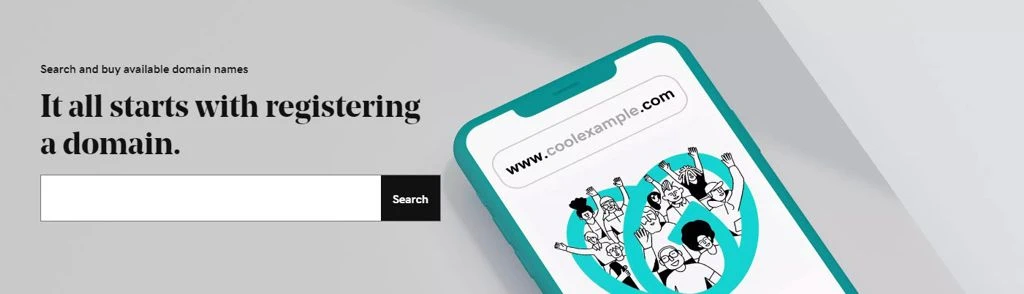 Building a Website on GoDaddy starts with selecting the perfect domain. A good domain name should be concise, memorable, and relevant to your site’s purpose.
Most GoDaddy website hosting plans include a free domain for the first year. So, before you start to build a website, find one you like that’s available.
If you’re a business owner in need of a business website, consider using a domain with the “.com” extension. This extension is the most associated extension with a website. Because of this, it is the most difficult to find an available domain name using this extension.
Alternately, consider “.net” as a backup option. Ultimately, the choice is yours, as over 1600 domain extension options exist.
Checking what’s available is easy using the domain search tool provided by GoDaddy. However, the search tool will offer alternative suggestions if your perfect “.com” domain isn’t available.
Register Your New Domain
Assuming you’ve already found the perfect domain name. Now is the time to register it.
A custom domain will add a professional touch to your website and helps potential customers easily remember your website address.
Your domain also plays an important role in branding, as visitors will see it in their browser’s address bar.
Once you have completed your domain registration, the next step is to host your website according to your needs.
Choose a Hosting Plan
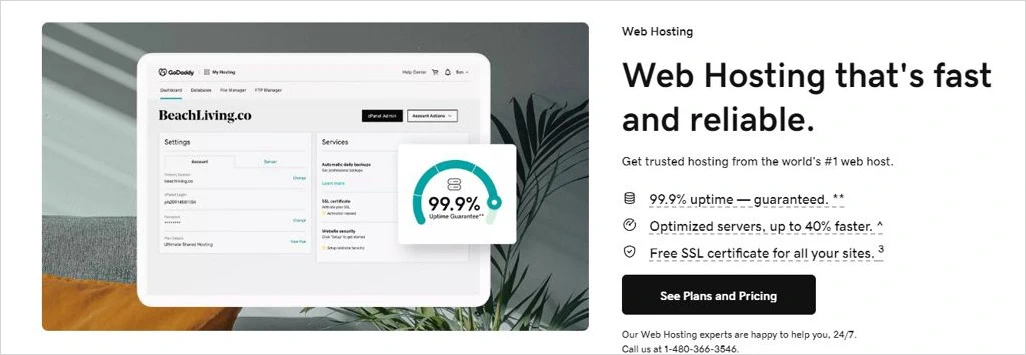 Choosing the right web hosting plan is the first step in building your website. The best choice will depend on your individual needs. Therefore, choose a web hosting plan with greater control and flexibility in customizing the look and feel of your site.
If you decided to build a website on GoDaddy, they offer various hosting packages depending on your speed, storage, and support requirements. Also, if you’re creating your first website, one of their Website Builder Plans may be a good place to start. Otherwise, GoDaddy offers many different hosting options based on your website design experience.
Also, if you quickly outgrow the hosting plan you chose, you can easily upgrade to the next highest plan if you choose a lower-level entry option.
Start Designing Your Website
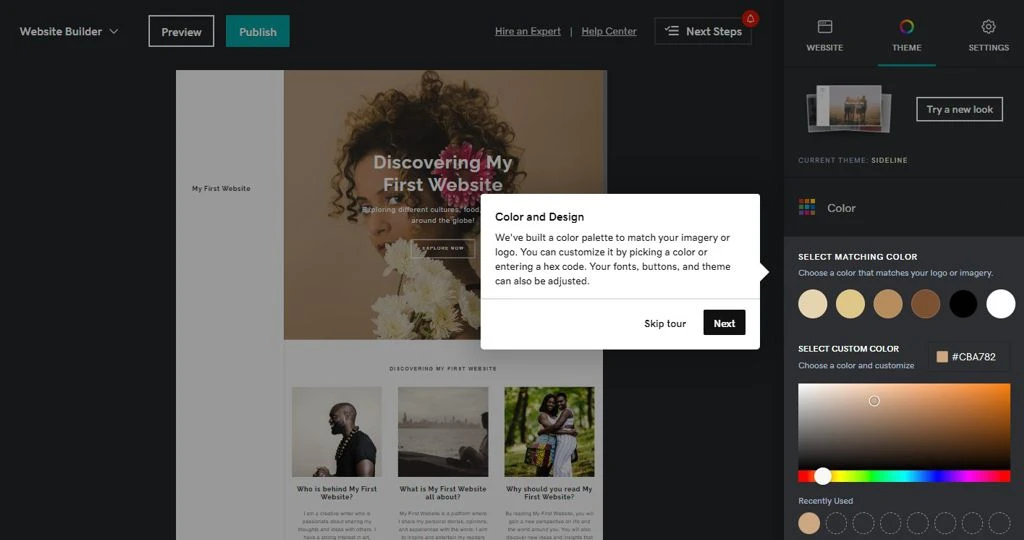 Once you’ve registering a domain and purchased a hosting plan from GoDaddy, the next step is website design.
While there are several options to design a website with GoDaddy, the Website Builder tools GoDaddy offers will simplify the process of designing and building a website, making site building easy for beginners.
Ultimately, we all want a sleek, content-rich website. But to get there, you must start with the basics and build from there.
Consider one of GoDaddy’s Website Builder plans, as they include customizable templates, plugins, and widgets to get you up and online quickly.
Optimize Your Website Content for Search Engines
Regardless of the host plan you choose, an essential part of building a website on GoDaddy or an sort of web design and development is to optimize your content for search engines like Google.
To improve the chance of your website showing in search results, you have to apply search engine optimization (SEO) best practices. This optimization is vital in helping website visitors find your site organically.
By applying the right SEO tools and techniques, you can ensure that your website has the best chance to achieve higher rankings in search engine results.
So, how can you optimize your GoDaddy site for search engines?
Here are some steps to consider:
- Create unique page and post title tags and descriptions to provide an accurate description for search engines and users.
- Submit an XML sitemap so search engines like Google can index the pages and posts on your site more efficiently.
- Take advantage of Google Analytics to track visitor behavior and gain insights, so you know where improvements are needed for your website.
- Ensure compliance with legal requirements regarding cookie and tracking alerts, providing a secure and trustworthy experience for you and your visitors.
Implementing these SEO best practices is just a start to enhancing your website’s visibility, attracting organic traffic, and improving user experience. Nowadays, you will find many online resources on SEO Optimization and techniques.
Publish Your Website “Go Live” and Promote It!
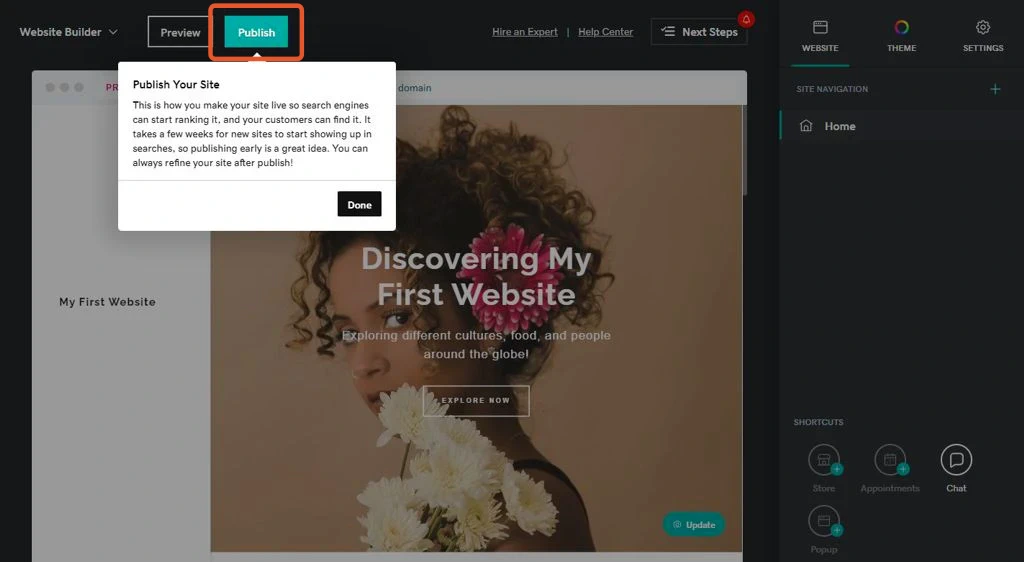 Once everything is set, it’s time to publish your website and start promoting it!
If you choose a Website Builder plan, publishing your website using these tools is straightforward.
Know that building an organic presence on the internet takes time and effort. Therefore, promoting your new website through social media and other online means is a helpful push after you publish your website.
If you don’t already have them, consider creating accounts on popular social sites like Facebook, X (formally Twitter), Pinterest, and Instagram.
Sharing links and utilizing engaging posts on social networks helps you reach a wider audience more quickly.
Also, if you’re a business with an advertising budget, consider running an ad campaign targeting potential customers.
Set Up An “@yourdomain” Email Account
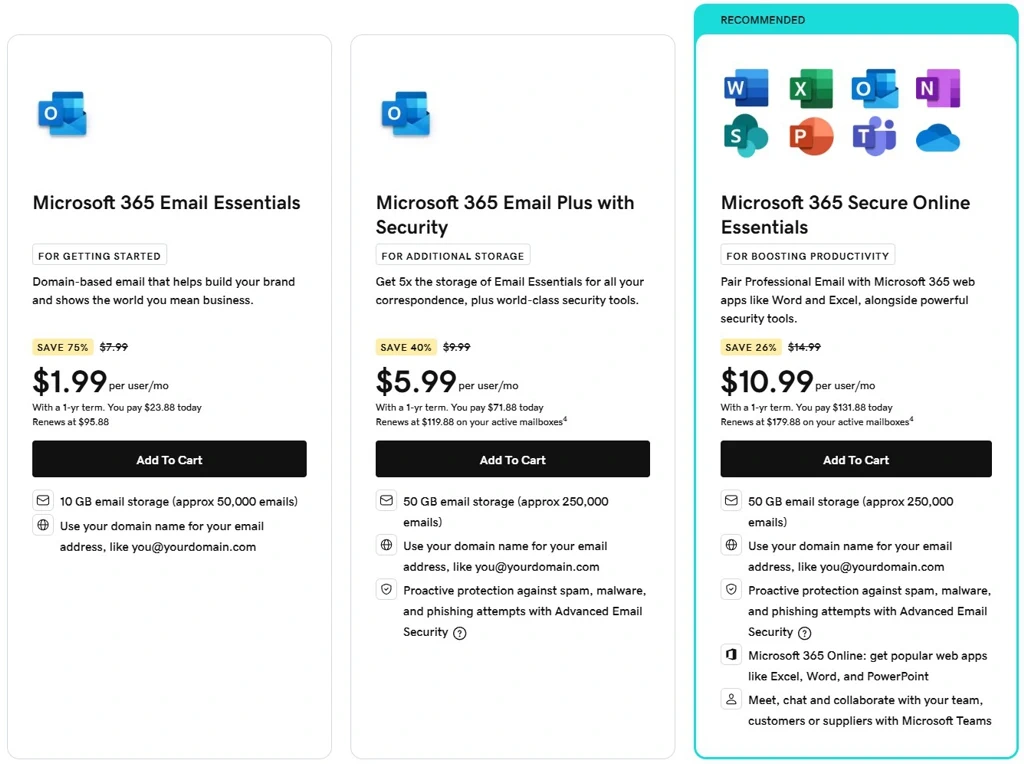 If you’re building a business website or a blog where brand awareness is important, you’ll want to make a good first impression.
One item to consider is an email account that uses your new website’s domain.
With an @yourdomain email, all your communications will professionally promote your brand.
Many of GoDaddy’s higher-tier hosting options include up to five (5) free MS Outlook basic email accounts for the first year.
These emails are simple to set up and add a professional touch you won’t get from free email services.
In addition to putting your best professional foot forward, consider that some third-party services you may want to do business with may reject an email from a free service provider as part of their spam protection policy.
Final Thoughts
Nowadays there are many website hosting providers to choose from, so review them carefully to find the best fit for your needs.
Several of these are new and emerging companies, whereas GoDaddy has been hosting websites since 2001, making it one of the leading providers.
For many, hosting with GoDaddy is the best option because of all the available options and additional service provided.
Have a look at what they offer and I think you’ll find they have something for everyone.
As a web developer I have built many websites on GoDaddy. You should consider it too.